Garage22
10.26" Wireless CarPlay and Android Auto Screen | Universal for Car
10.26" Wireless CarPlay and Android Auto Screen | Universal for Car
Couldn't load pickup availability
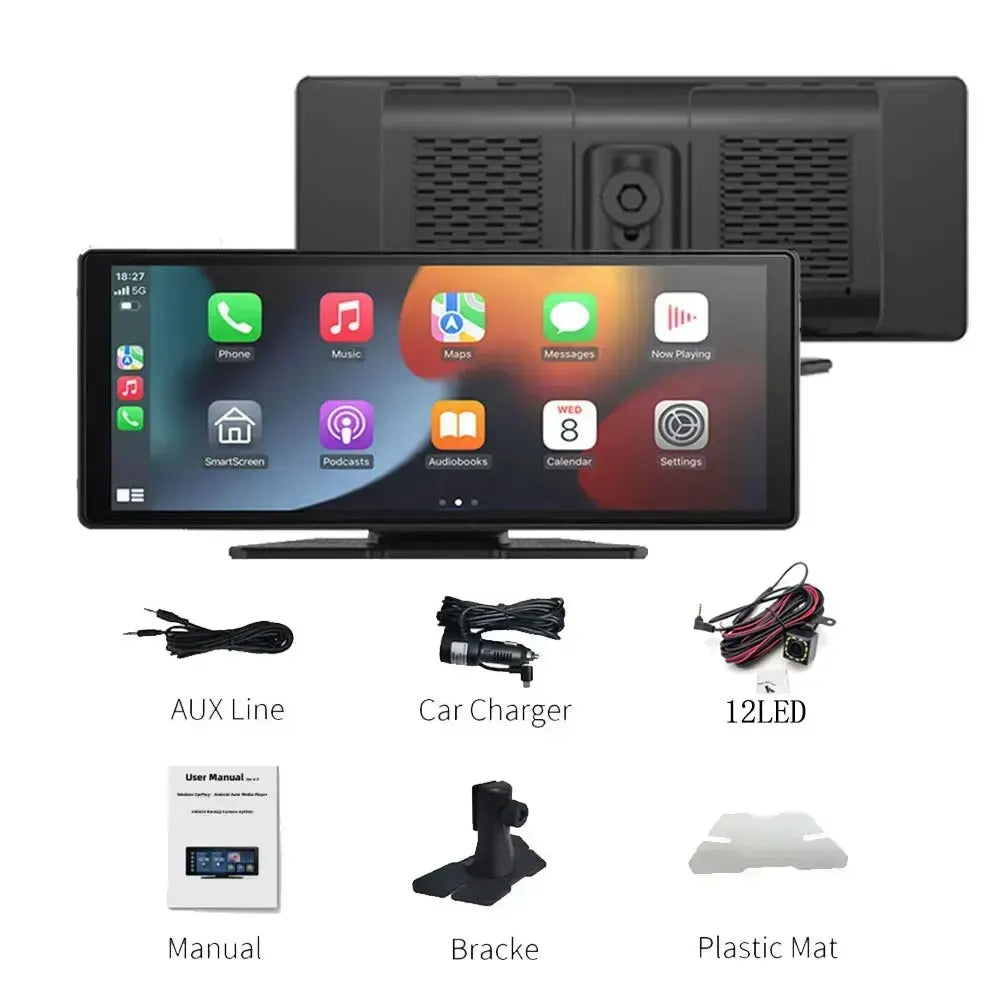
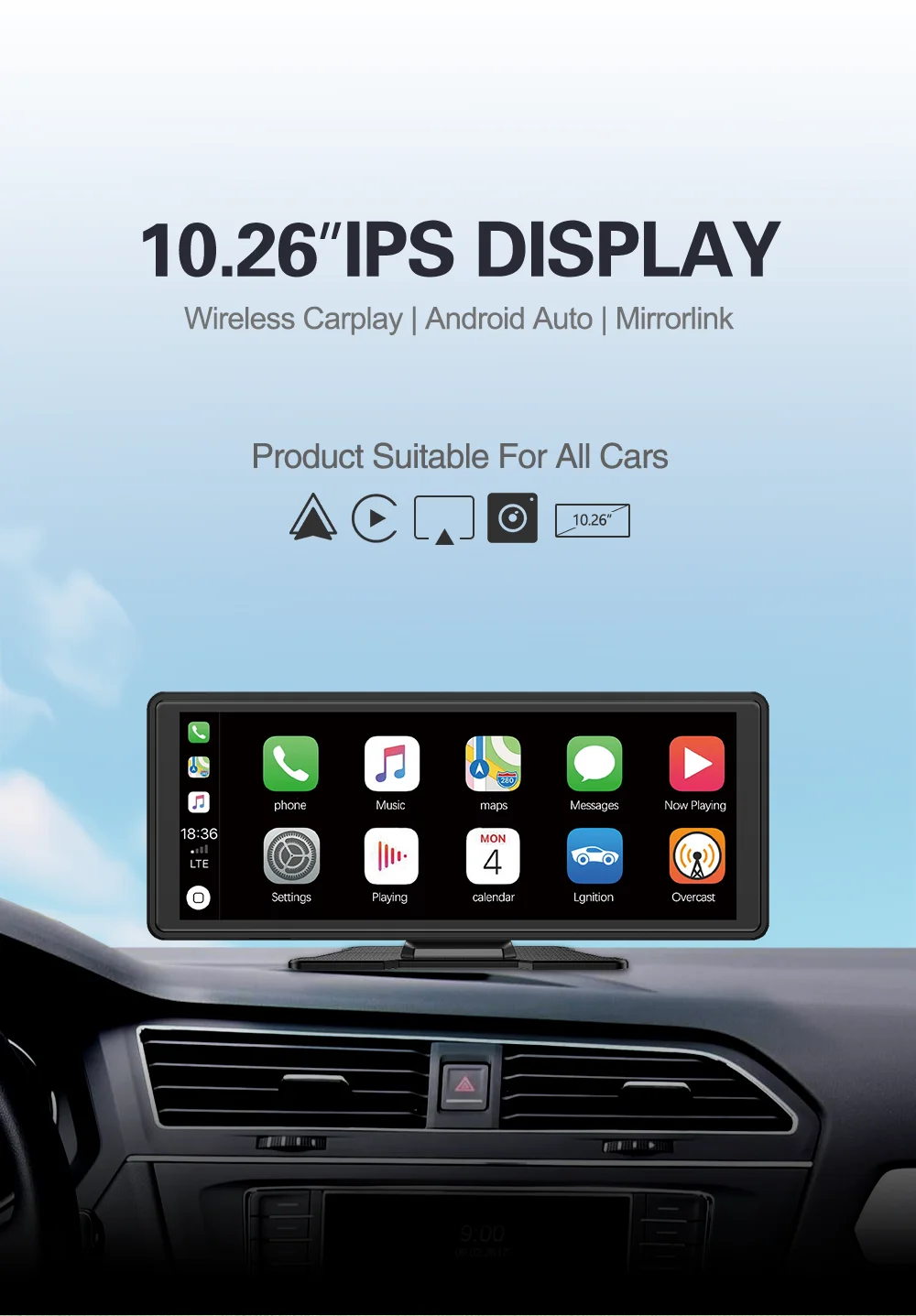
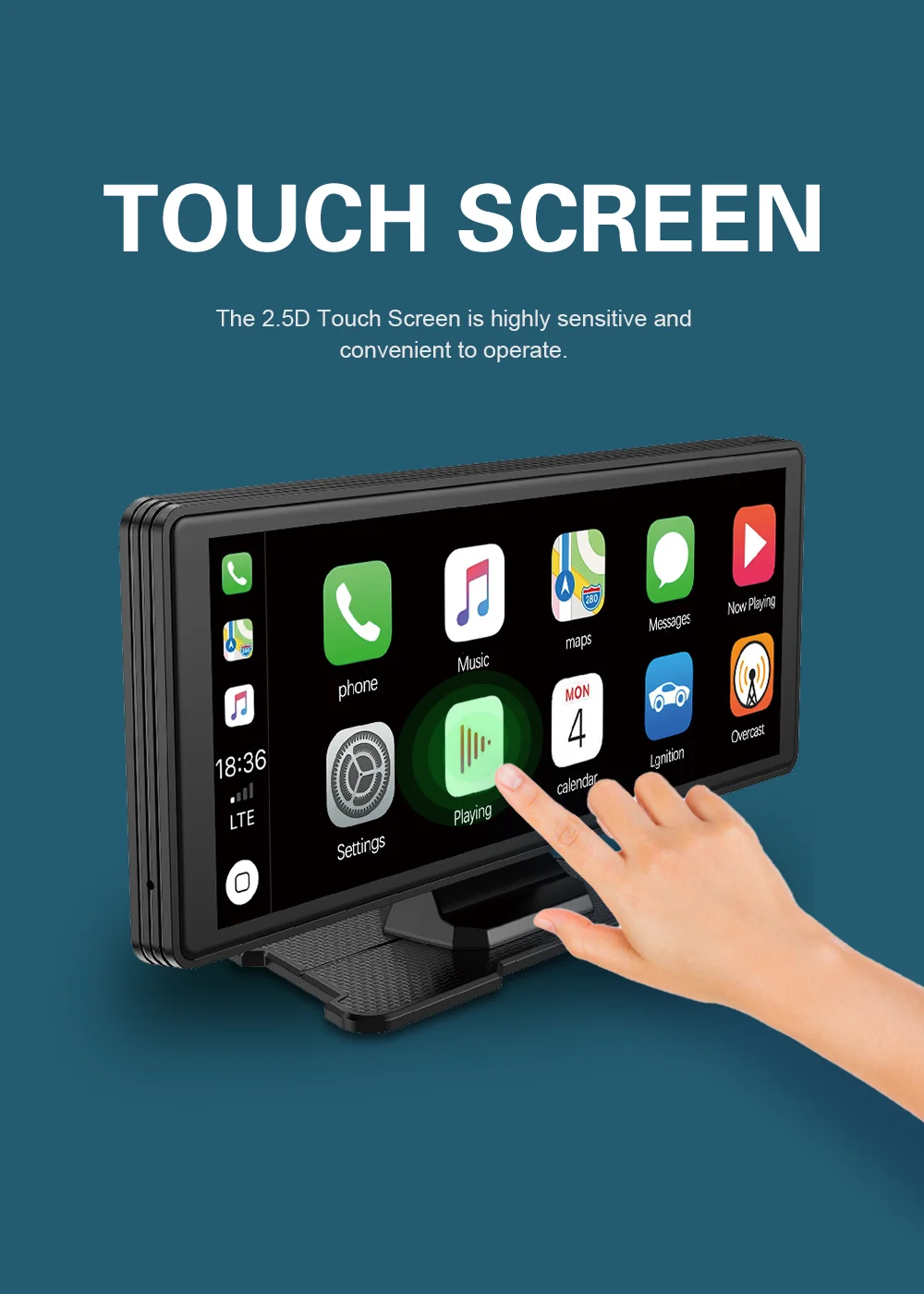
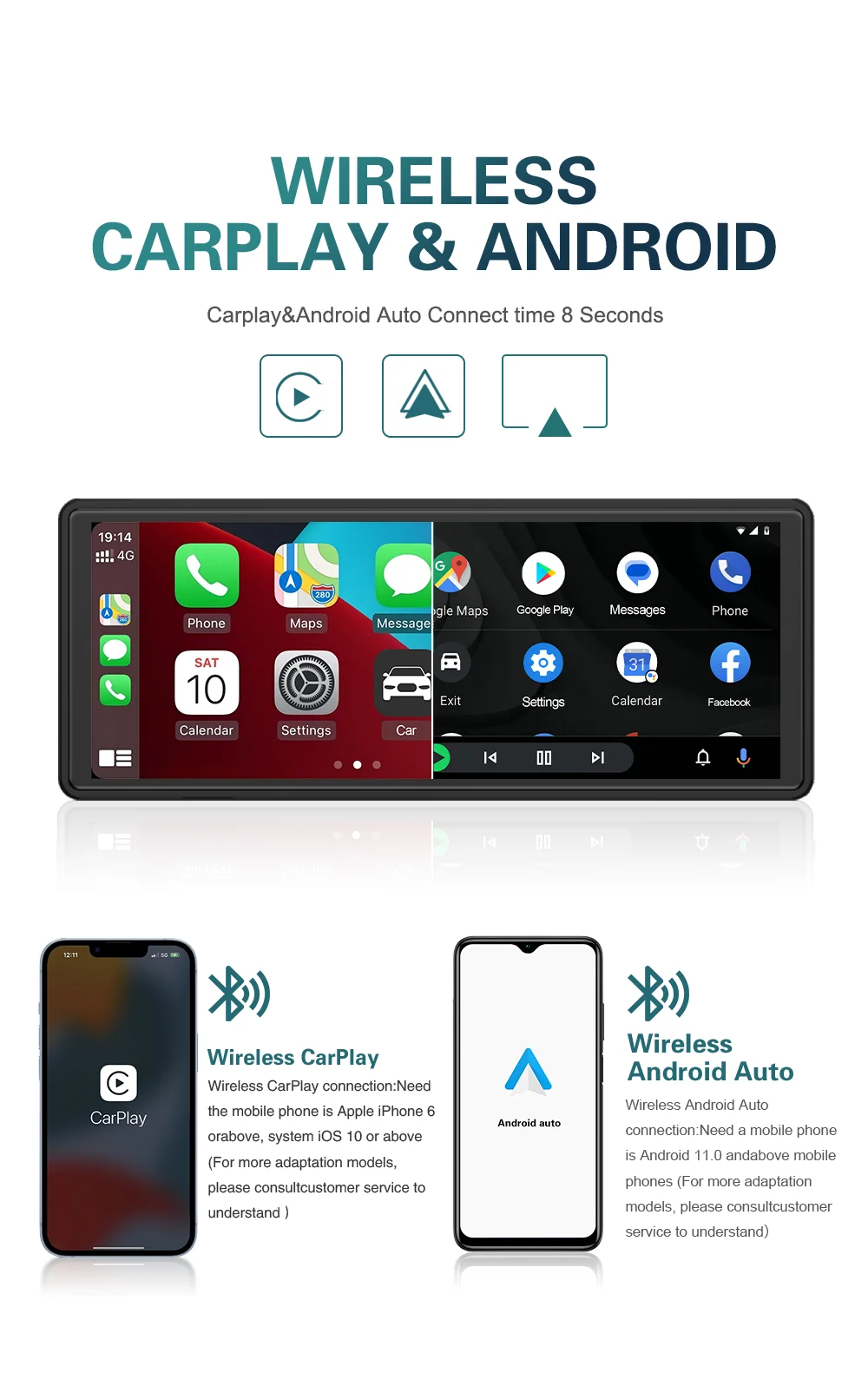
Modernize any vehicle with this 10.26-inch universal multimedia display. Compatible with wireless Apple CarPlay and Android Auto, it provides easy access to navigation, calls, music, messages, and apps directly from a large, high-definition screen.
Its universal installation makes it an excellent choice for vehicles that do not have a modern factory multimedia system, without the need to replace the original stereo.
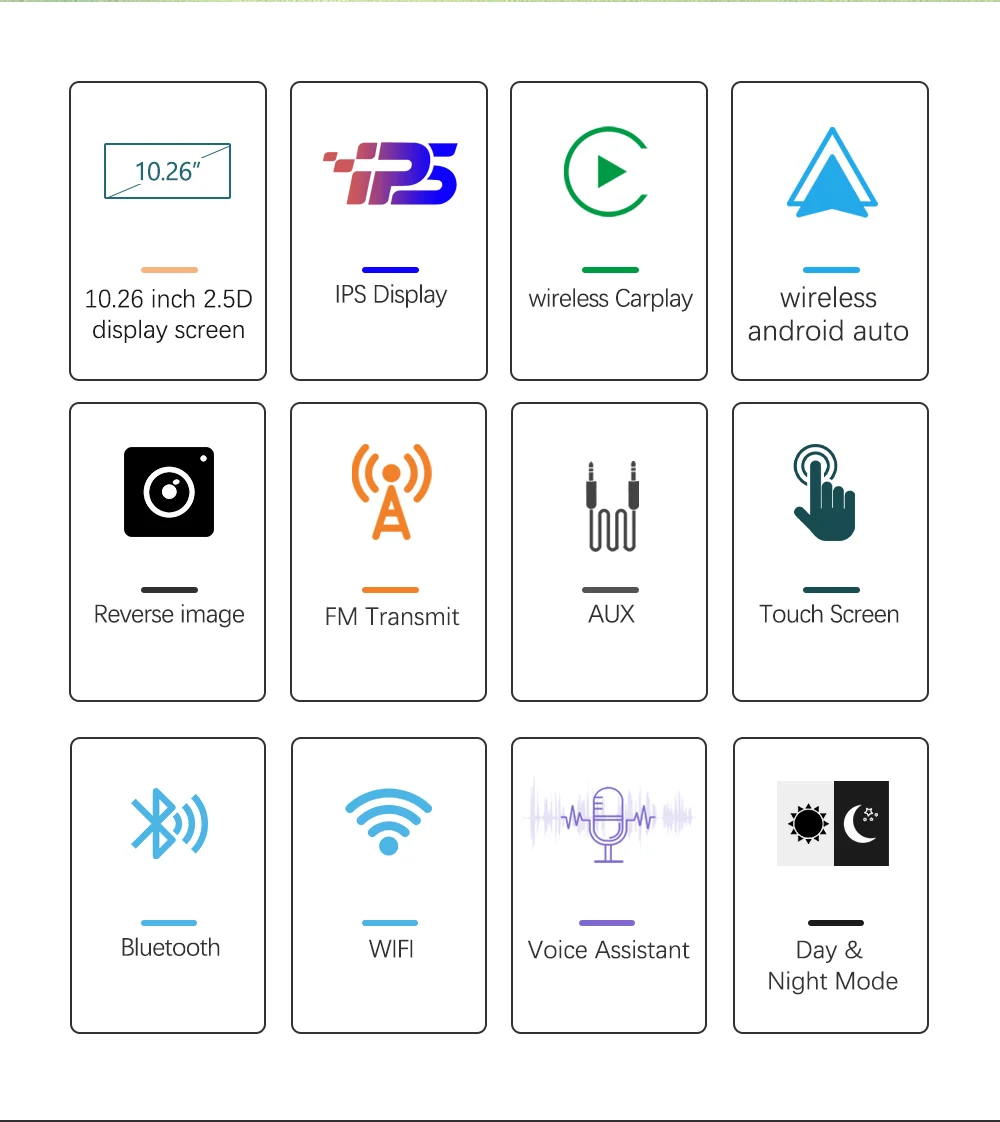
✅ Wireless CarPlay
✅ Wireless Android Auto
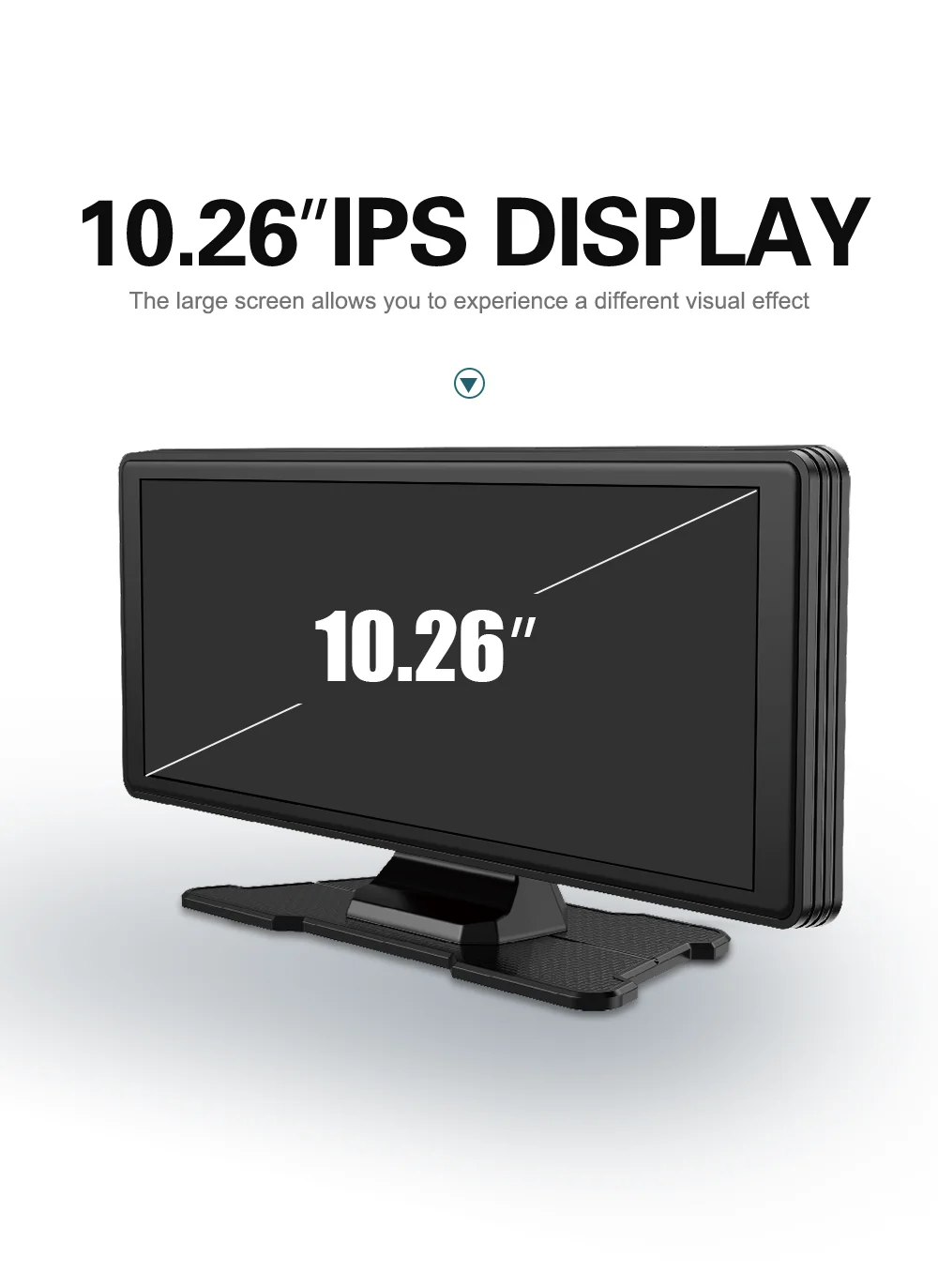
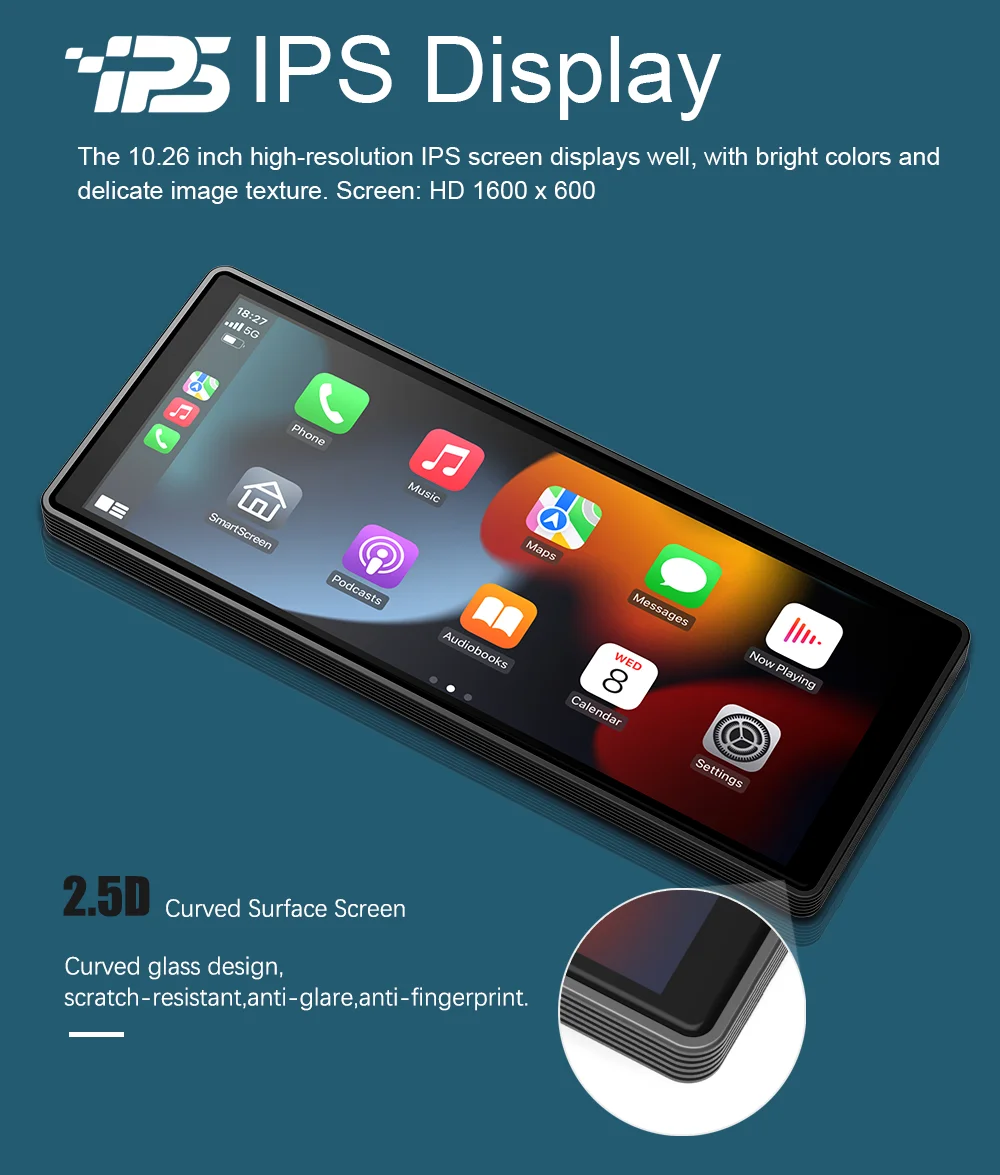
✅ 10.26-inch IPS display
✅ WiFi connectivity
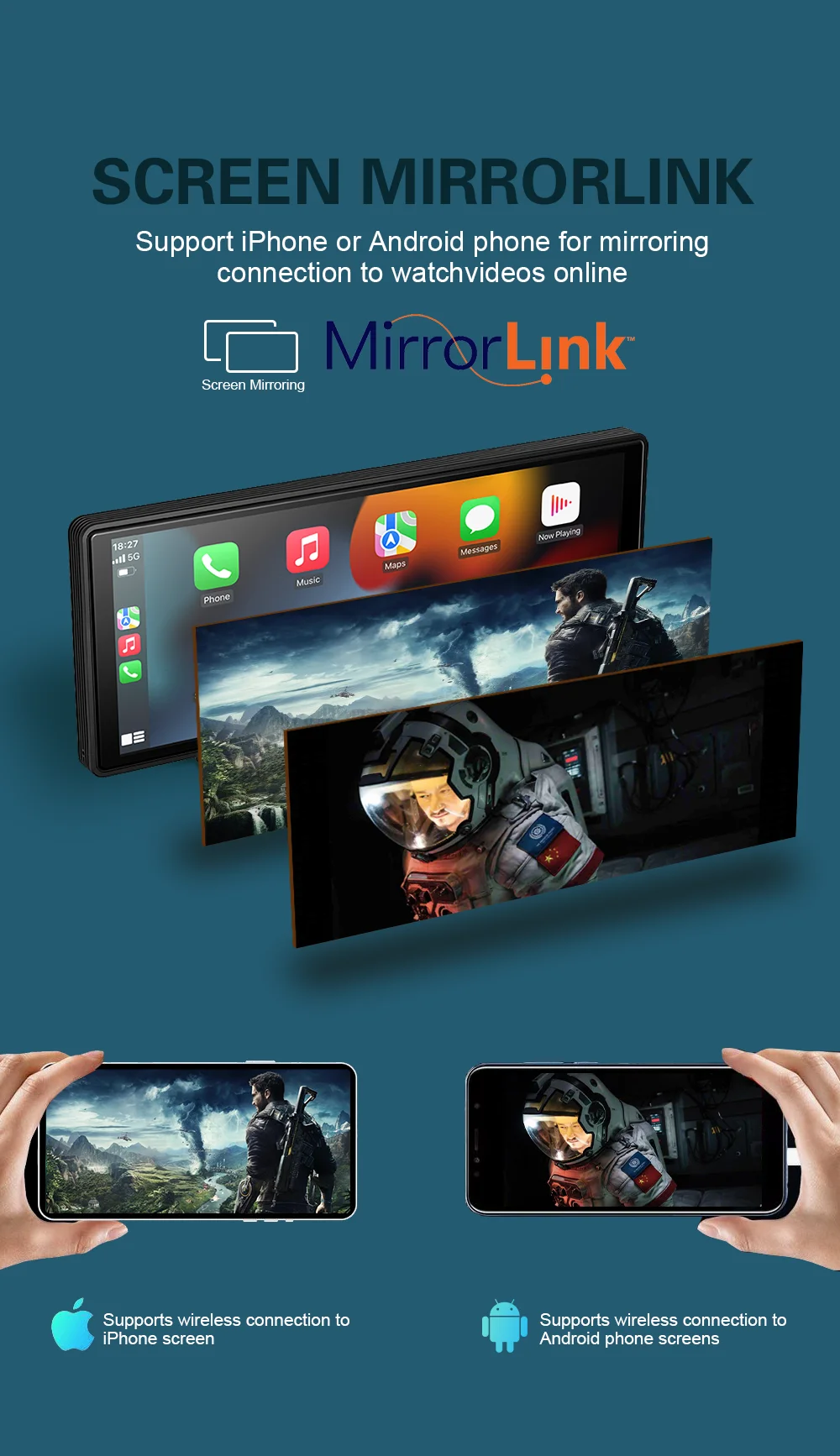
✅ Mirror Link function
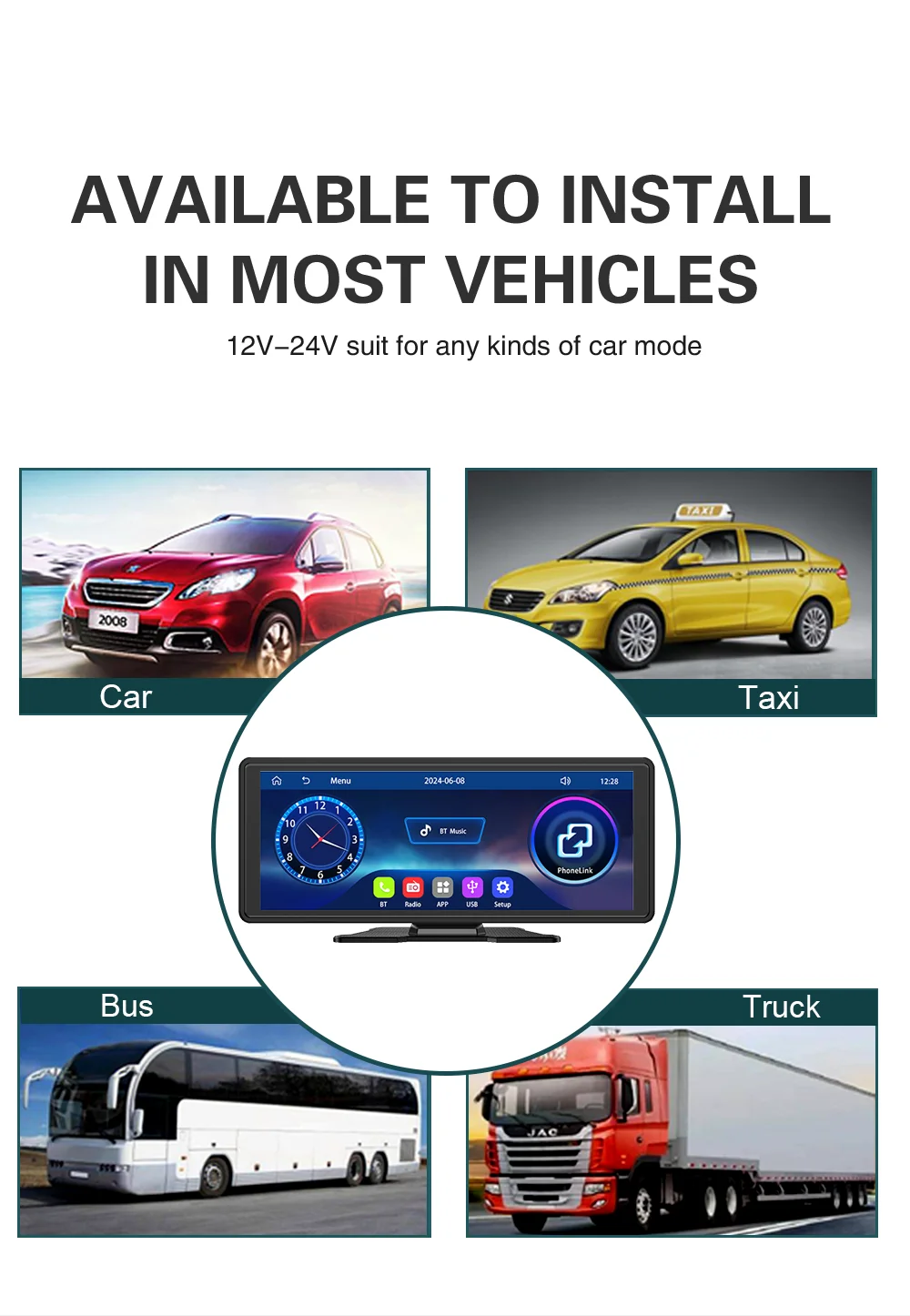
✅ Compatible with most vehicles
Key features:
-
Wireless connection with Apple and Android smartphones
-
High-definition IPS display
-
Intuitive and easy-to-use interface
-
Quick access to compatible applications
-
Multimedia playback
-
GPS navigation via phone apps
-
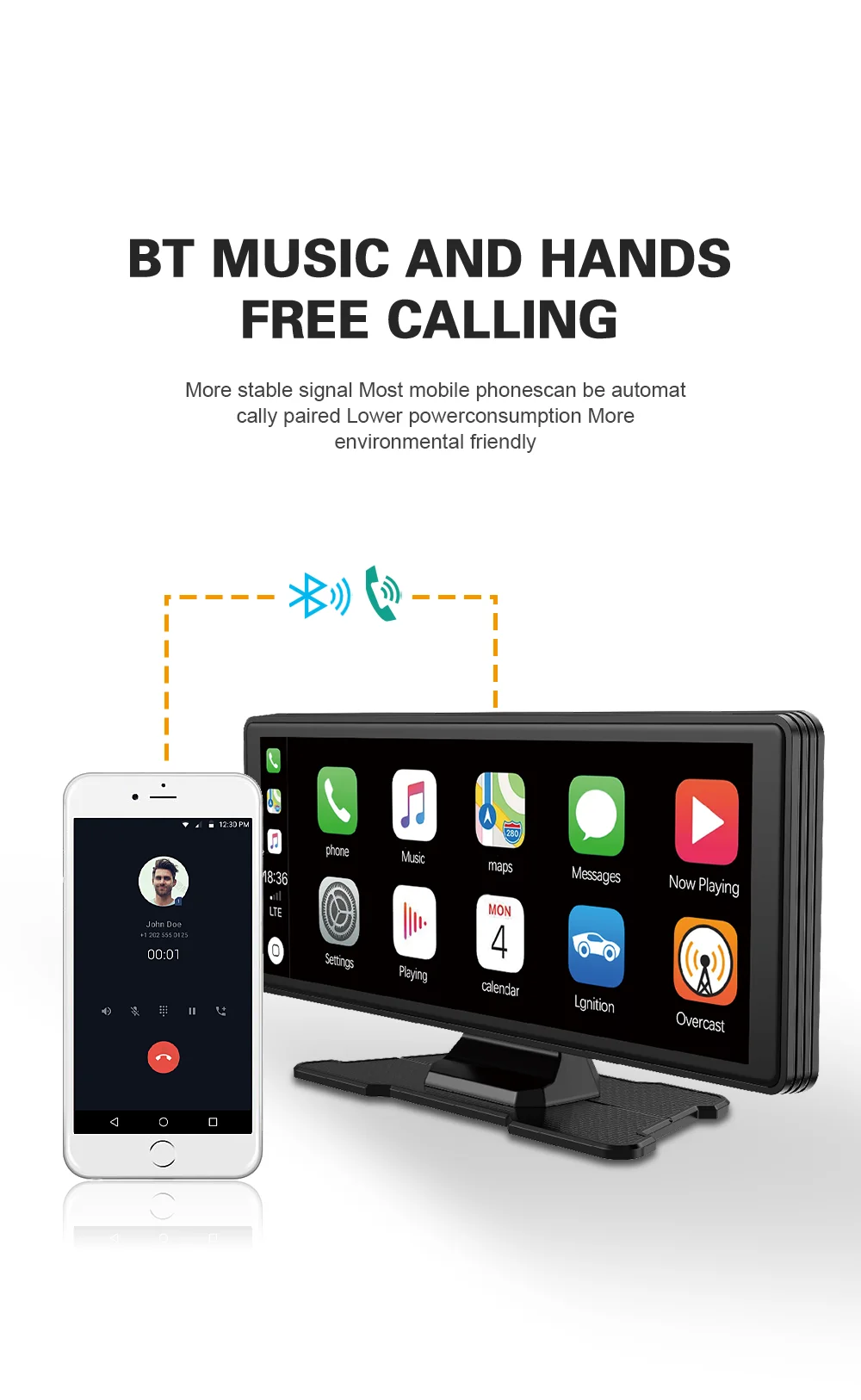
Hands-free calling
-
Music and message control
Compatible functions:
-
Wireless Apple CarPlay
-
Wireless Android Auto
-
Mirror Link
-
Video playback
-
Music streaming
-
Real-time navigation
-
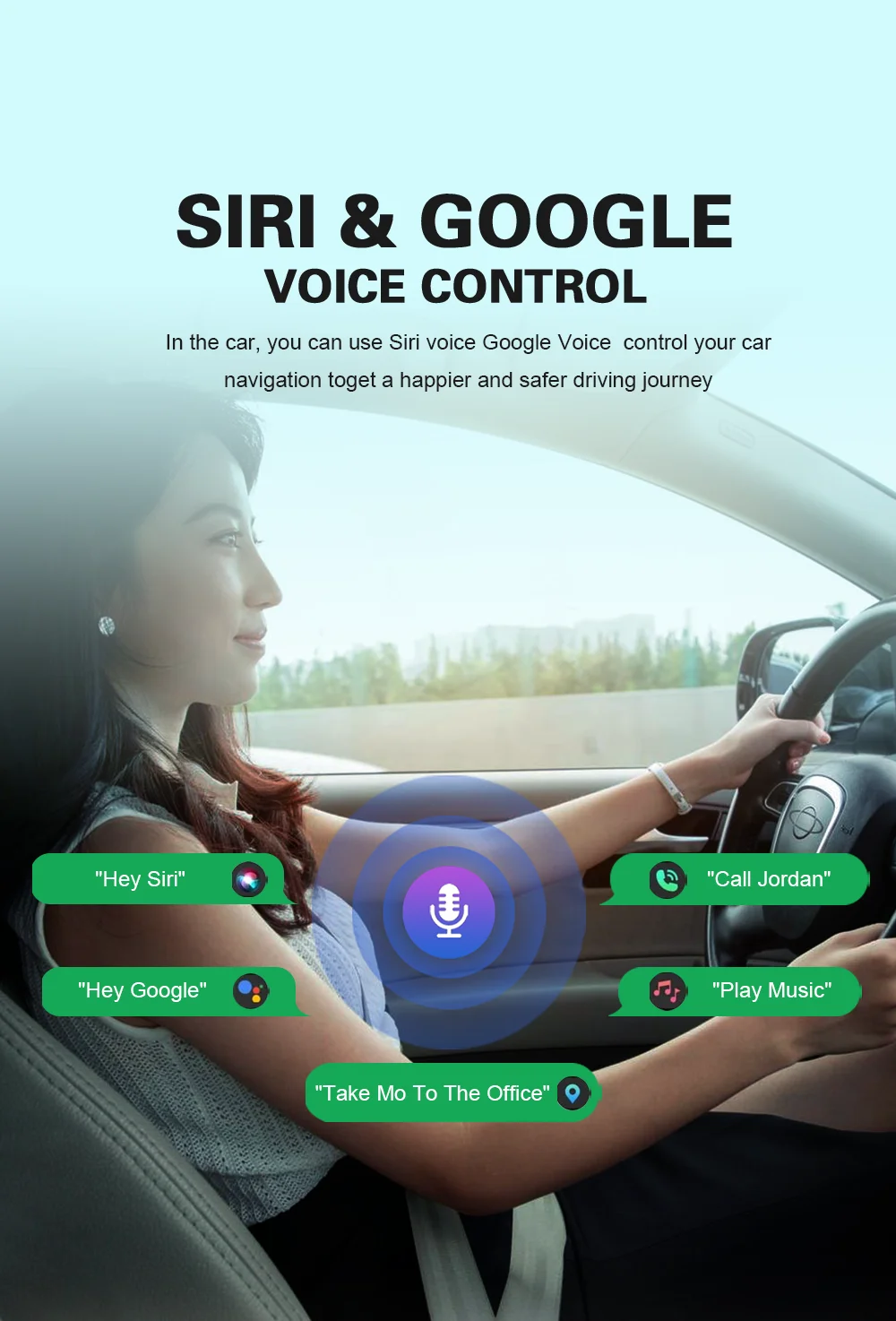
Compatible voice assistants
Specifications:
-
Screen size: 10.26 inches
-
Screen type: IPS HD
-
Connectivity: WiFi
-
Compatibility: iPhone and Android
-
Installation: Universal
-
Usage: Automotive multimedia
Benefits:
-
Modernizes vehicles without a factory screen
-
Greater convenience and safety while driving
-
Access to maps and apps from your phone
-
Wide viewing thanks to its large screen
-
Compatible with a wide variety of cars
Ideal for:
-
Cars
-
Trucks
-
SUVs
-
Classic vehicles
-
Work vehicles
Package contents:
-
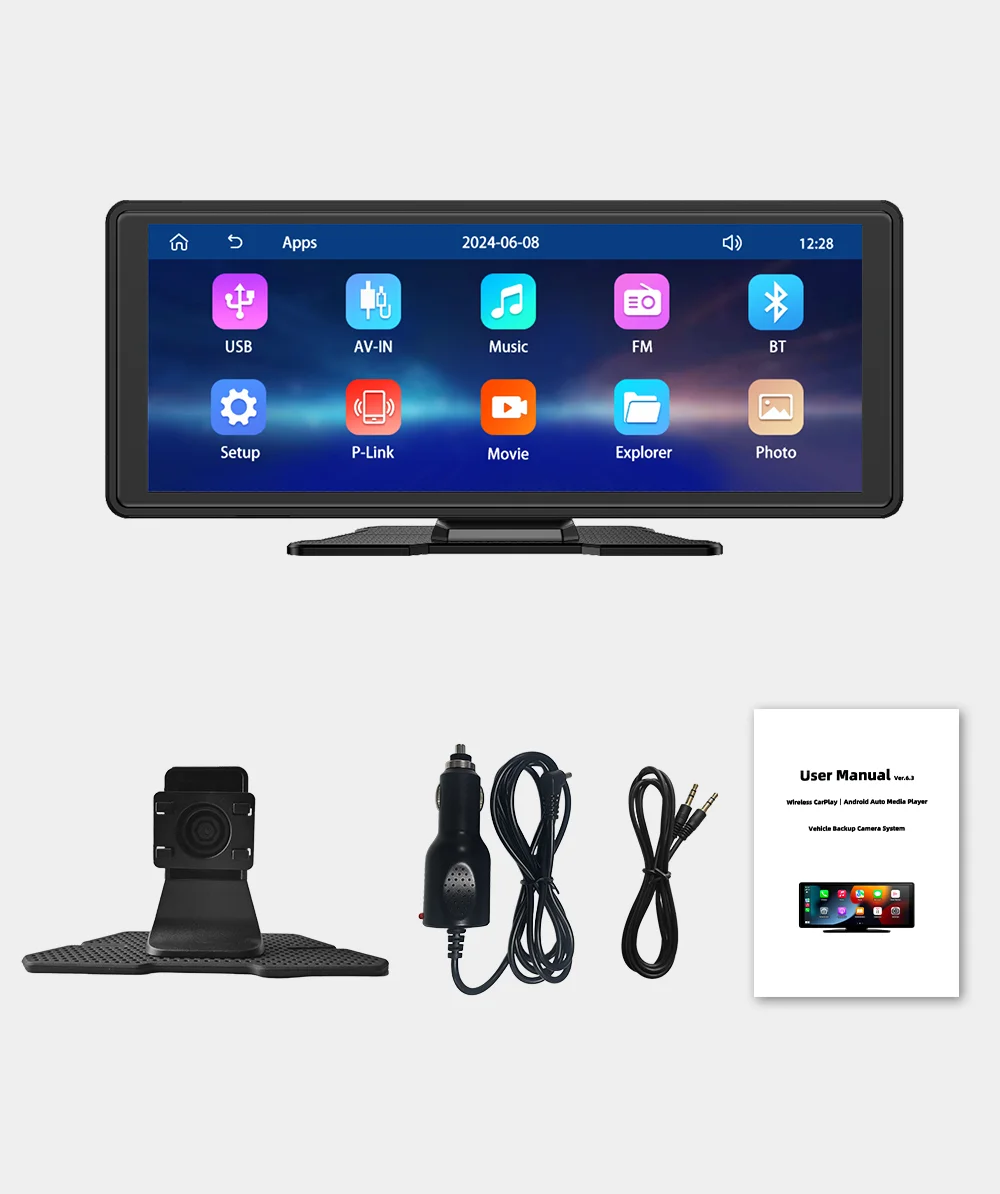
1 × 10.26" Universal Multimedia Display
-
Installation accessories
-
User manual
Q: How do I connect CarPlay and Android Auto?
A: Search for the Bluetooth device called "carplay" on your mobile phone. The first time you connect, a pop-up window will appear on your phone; select "Allow", "Use" or "Trust this device" to complete the connection.
Q: How do I get the sound to play through the vehicle's speakers?
A: There are three ways to play audio through your car:
- Integrated speaker: The device has an internal speaker that can play sound. If you wish, you can disable it in the settings.
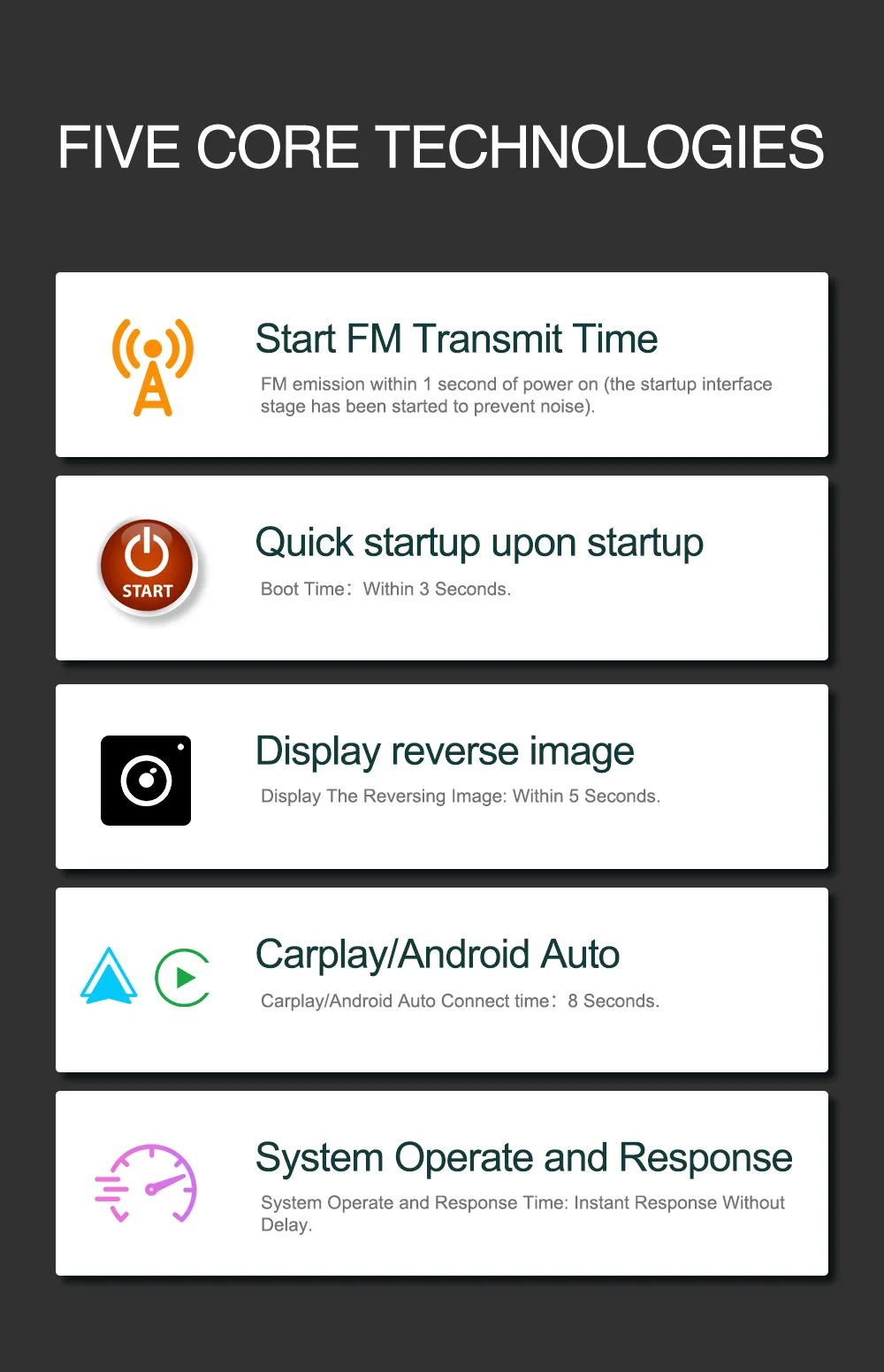
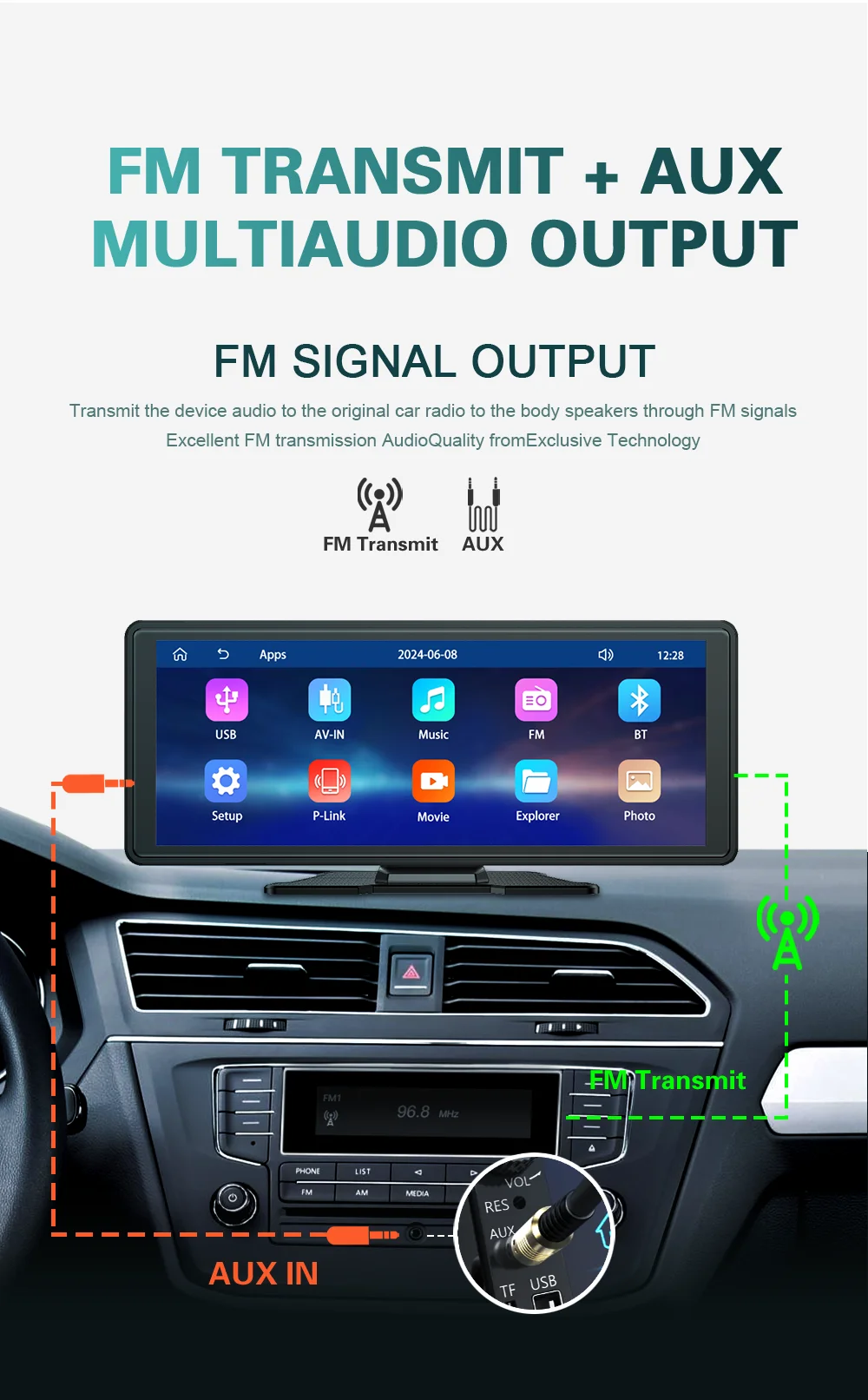
- FM transmission: You can send audio to the original stereo using the FM function. For example, set the frequency to 86.3 MHz on the device, and then tune the vehicle's radio to the same frequency.
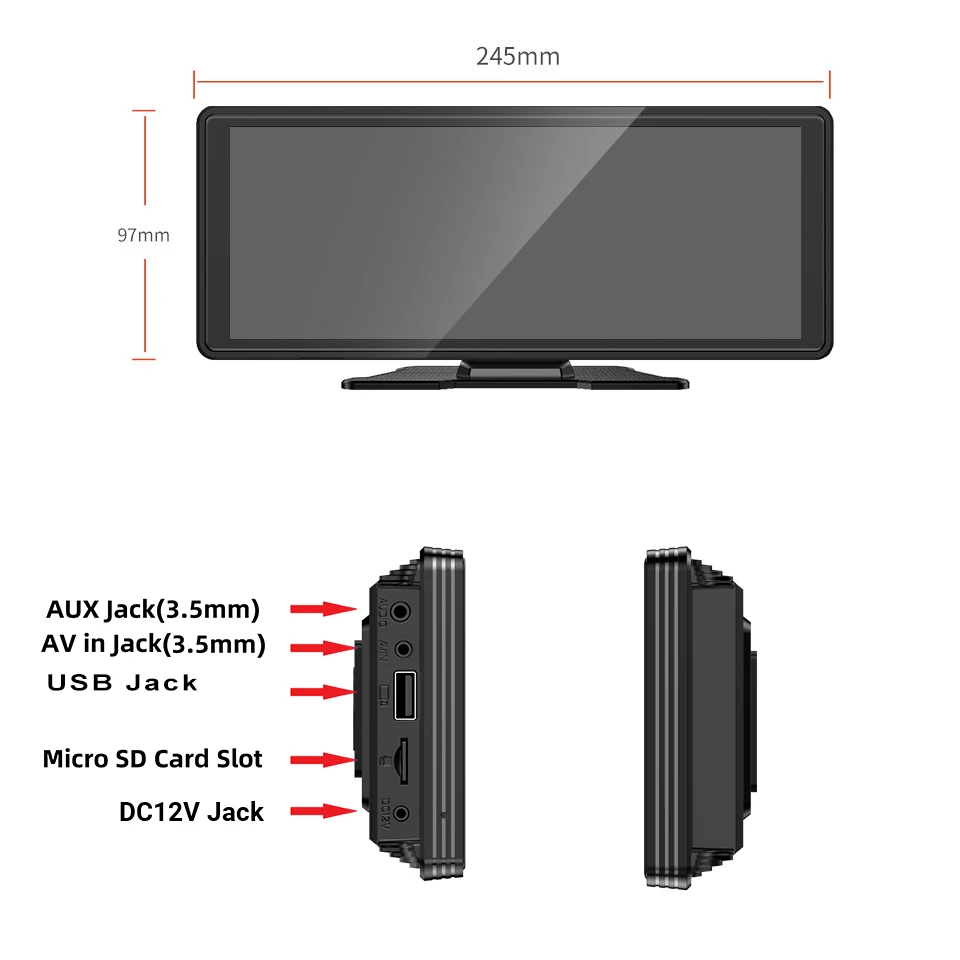
- 3.5 mm AUX cable: Connect an auxiliary cable from the device's AUX OUT to your vehicle's AUX input. (Some models do not include this function; check the product specifications for compatibility).
Q: What should I do if the Bluetooth connection fails or some functions don't work correctly?
A: Make sure your phone is connected to the Bluetooth device called "carplay". It is also recommended to delete previously paired Bluetooth devices that you no longer use.
In some cases, other Bluetooth devices linked to the phone can interfere with the connection and cause failures or abnormal operation.
Q: Why don't CarPlay or Android Auto connect automatically via Bluetooth?
A: Some previously connected Bluetooth devices may prevent CarPlay or Android Auto from starting automatically.
To fix this:
- Delete all paired Bluetooth devices on your phone.
- Restart your phone's Bluetooth.
- Restart the vehicle's multimedia device.
- Perform the Bluetooth pairing again from scratch.
This usually resolves automatic connection issues.