Garage22
Flexible Matrix Panel for Windshields Devil Eyes LED Matrix Pixel | Control by Applexible Display
Flexible Matrix Panel for Windshields Devil Eyes LED Matrix Pixel | Control by Applexible Display
Couldn't load pickup availability
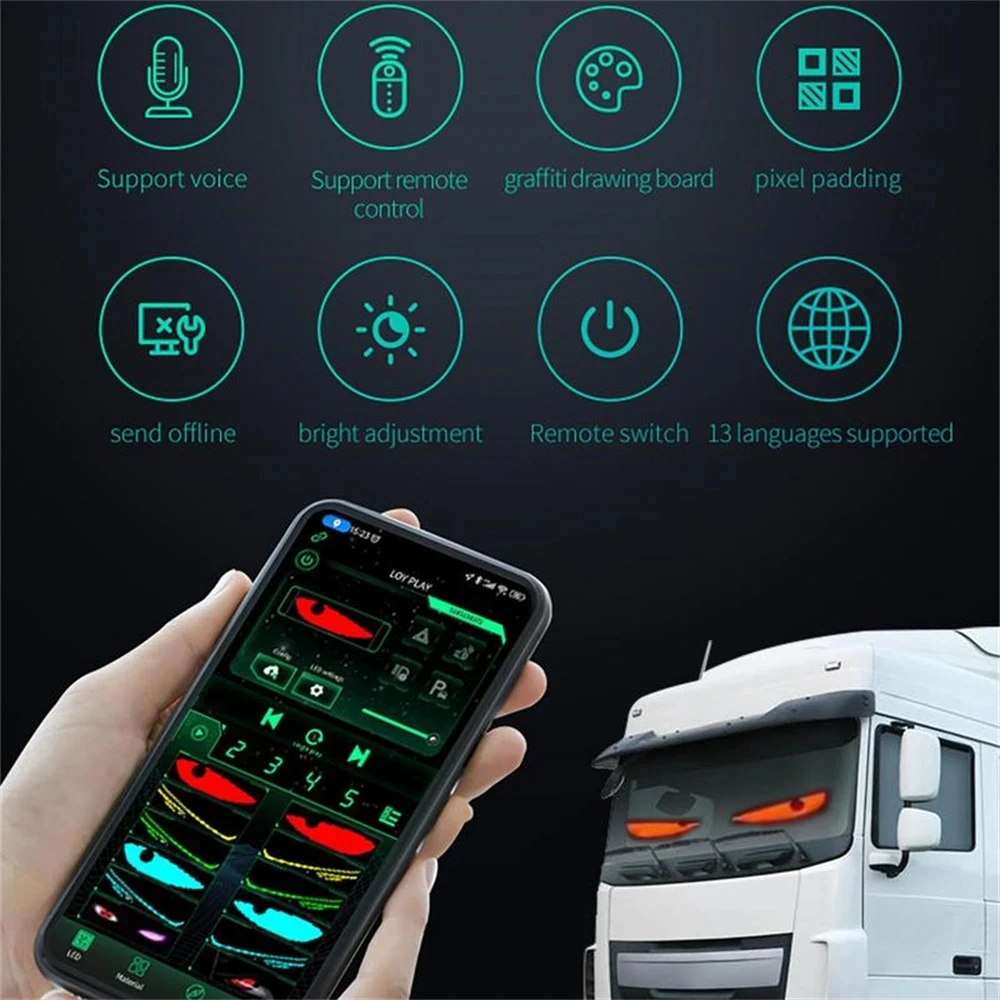
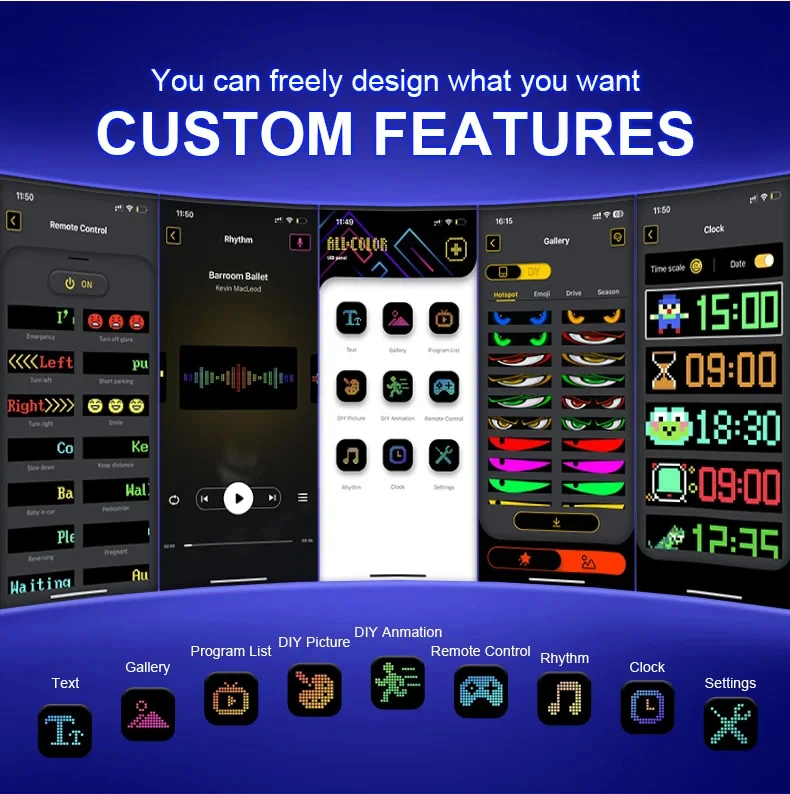
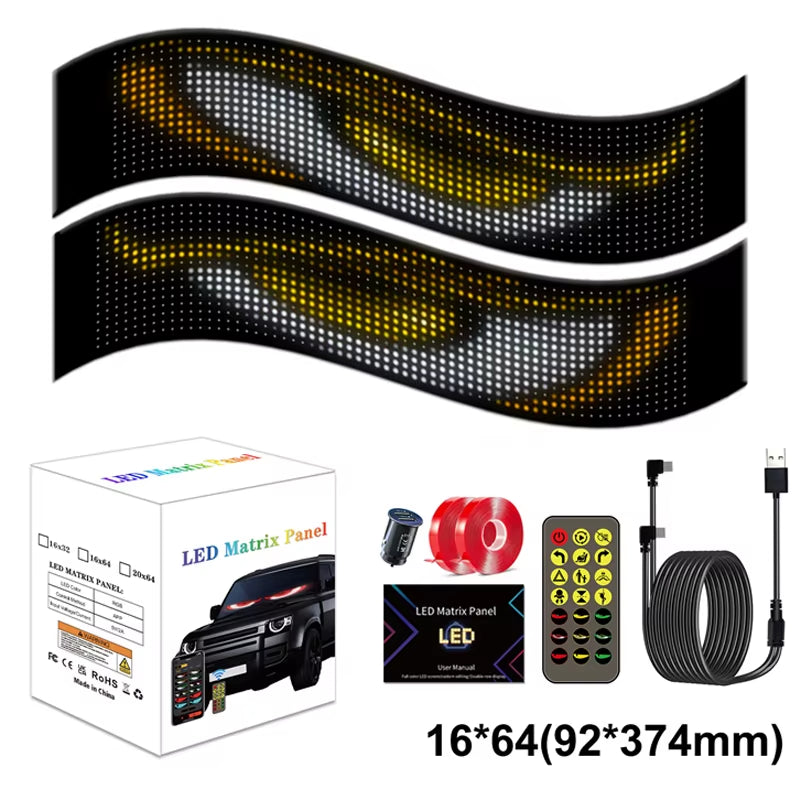
Customize your vehicle with this flexible RGB matrix LED panel for windshields or windows. Control animations, texts, images, and visual effects directly from your smartphone via Bluetooth connection and the compatible app.
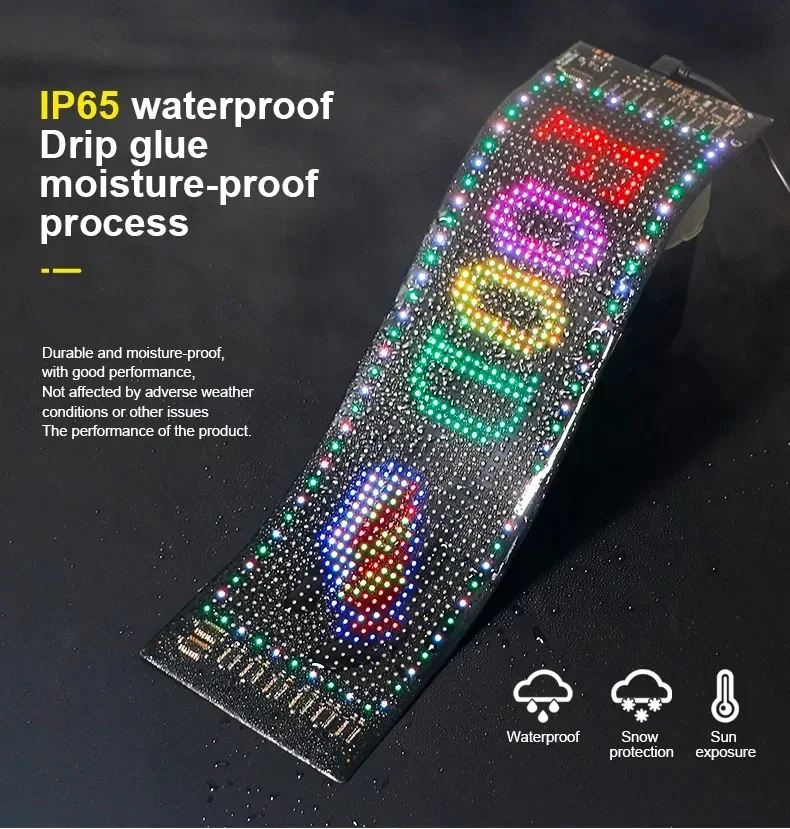
Its flexible design allows for easy installation on windshields, windows, and other smooth surfaces without the need for permanent modifications. Additionally, it features IP65 protection to withstand rain and various weather conditions.
✅ Bluetooth app control
✅ Displays custom texts, images, and animations
✅ Flexible and easy to install design
✅ Bright and high-visibility RGB lighting
✅ IP65 protection against water and dust
✅ Compatible with cars, trucks, and SUVs
Specifications:
-
Type: Flexible matrix LED display
-
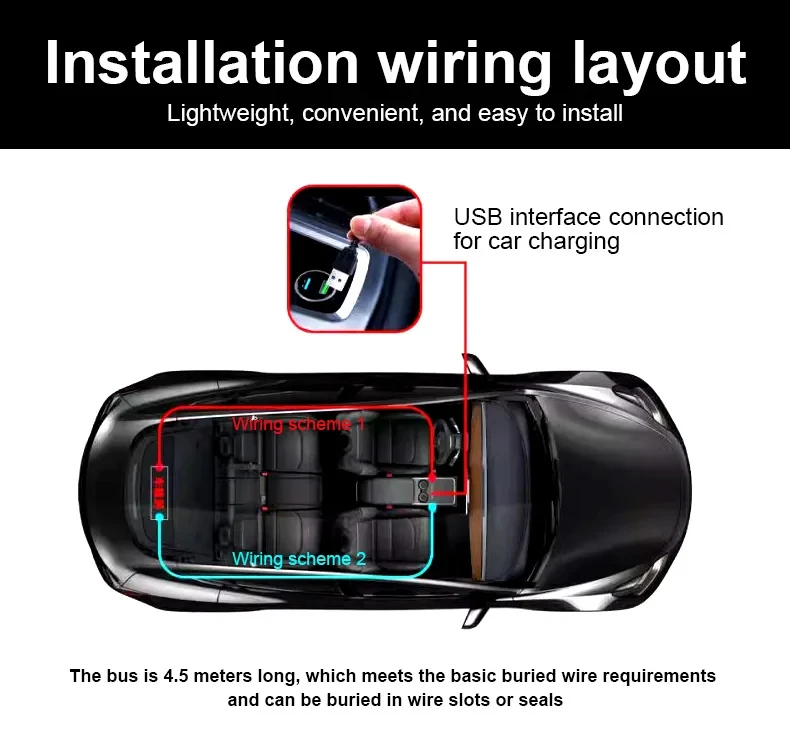
Power: USB 5V / 2A
-
Control: Mobile app via Bluetooth
-
Compatible app: iPixel Color
-
Protection: IP65
-
Usage: Windshields, windows, and glass
Available sizes:
-
16 × 32 pixels (17 × 7 cm)
-
16 × 64 pixels (37 × 9 cm)
-
16 × 96 pixels (59.5 × 12 cm)
-
20 × 64 pixels (34.8 × 10.2 cm)
Package contents:
-
1 × Flexible RGB matrix LED panel
-
1 × Controller with USB connection
-
1 × Remote control (battery not included)
-
1 × Double-sided adhesive tape
-
1 × User manual
Important:
-
Use a 5V USB power supply with sufficient current capacity for optimal operation.
-
Avoid excessive bending or stretching of the panel during installation.
-
For best performance, it is recommended to use high-quality USB chargers.
Synchronize two screens simultaneously using the included remote control. Customize up to 17 different effects from the app and activate identical animations on both sides of your vehicle for a more striking visual effect.
METHOD FOR SYNCHRONIZING EYE PATTERNS ON MULTIPLE SCREENS
Note: This app can only control one screen at a time. If you need to control multiple screens simultaneously, you can only do so using the remote control.
Method 1
Select the corresponding image for each device and turn them on at the same time, paying attention to correctly synchronize the activation moment.
Method 2
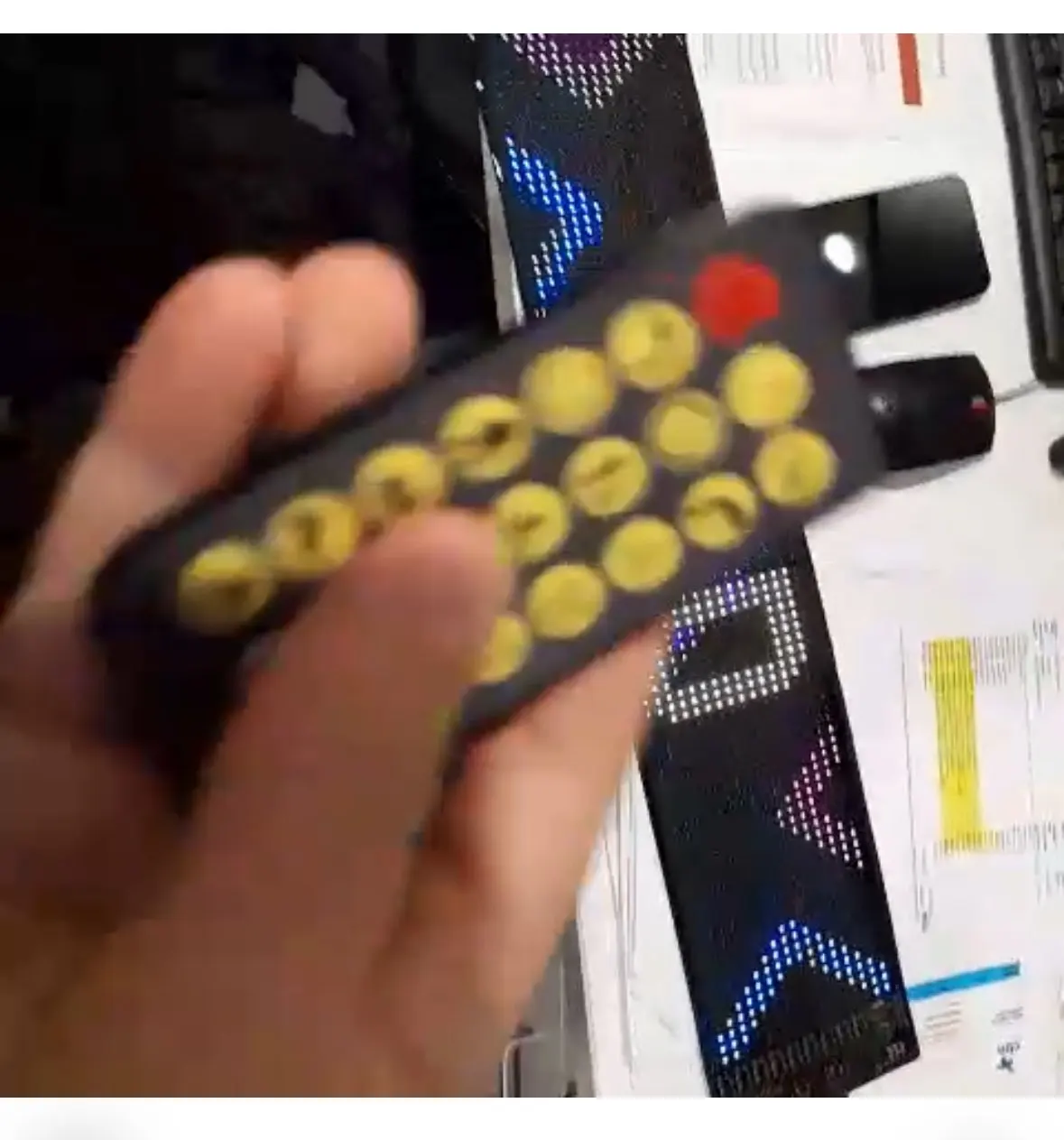
Use the remote control for synchronization. The remote control can control two screens simultaneously. It has 17 buttons and the images are pre-configured. However, through the app, the patterns assigned to these 17 buttons can be customized.
The procedure is as follows:
- Click on the corresponding screen.
- Press and hold to change the assigned button.
- Select the pattern you want to assign.
- Save the settings.
Configure both devices separately in the same way and then use the same remote control to achieve eye pattern synchronization.
Keep in mind that the 17 buttons can be customized with different patterns, allowing for greater creativity and variety of effects.
We hope you enjoy discovering all its possibilities.